
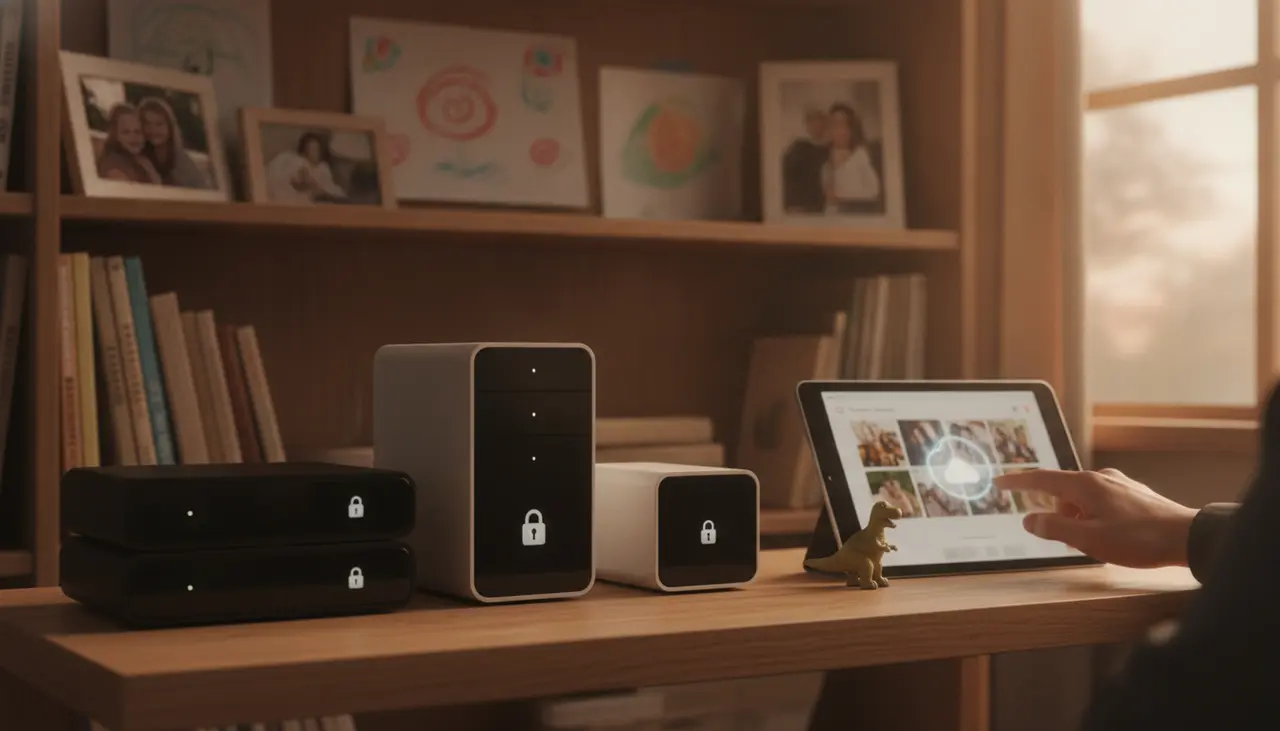
Best Home Servers for Storing 10 Years of Family Photos (and Keeping Them Private)
We’ve all been there. You’re trying to capture that perfect, fleeting moment—a first step, a birthday wish, or a messy spaghetti dinner—and your phone hits you with the dreaded message: "Storage Full."
For most of us, the solution has been to pay a monthly "convenience tax" to Google or Apple. But lately, that feels less like a service and more like a trap. Between rising subscription costs and the unsettling reality of big-tech AI scanning your private family moments, many parents are looking for a better way.
If you want to own your data, ditch the monthly fees, and keep your baby pictures away from prying corporate eyes, it’s time to talk about the "Family Cloud." Specifically, we’re looking at the best home server for photos—a dedicated, private vault that sits in your living room and keeps your memories safe for the next decade and beyond.
Why a Home Server Beats the "Big Tech" Cloud
Think of a home server (often called a NAS, or Network Attached Storage) as your own private Netflix and Google Photos combined.
- Zero Monthly Fees: You buy the hardware once, and you own the storage forever.
- Total Privacy: Your photos aren't being used to train a corporate AI model. Your "private" moments actually stay private.
- Automatic Backups: Just like the big apps, these servers can automatically grab photos from your phone the second you walk through the front door.
- AI Organization: Modern home servers have built-in AI that recognizes faces and places, making it easy to find "that one photo from the 2018 zoo trip" in seconds.
If you are just starting your journey into self-hosting, it's worth checking out The Family Cloud Master Buying Guide: Secure Your Memories with a Private Home AI Server for a birds-eye view of how these systems fit into your home.
The Top 3 Home Servers for Families in 2024
When you’re a busy parent, you don’t have time to learn coding or manage complex networking. You need something that works "out of the box." Here are our top picks for family life.
1. The Gold Standard: Synology DS224+
If you want the "Apple experience" of home servers, Synology is the answer. Their software, called Synology Photos, is a near-perfect replica of Google Photos. It’s intuitive, fast, and easy for non-techy spouses to use.
- Why it’s great for parents: The mobile app is incredibly reliable. Set it up once, and every photo your family takes is backed up automatically.
- The "AI" Factor: It handles facial recognition locally on the box, so you can search for "Grandma" and see every photo she’s in without the data ever leaving your house.
- Capacity: With two drive bays, you can easily store 10-20 years of high-resolution family videos.
2. The High-Performance Choice: QNAP TS-264
If you’re the kind of parent who takes 4K video of every school play and soccer game, you might want a bit more "oomph." The QNAP TS-264 is a powerhouse that handles large video files with ease.
- Why it’s great for parents: It features an HDMI port, meaning you can plug it directly into your TV to show off family slideshows in stunning quality.
- The "AI" Factor: QNAP’s "QuMagie" app uses AI to sort photos by people, things, and places. It’s slightly more "tinker-friendly" than Synology.
- Capacity: Excellent expandable memory options if you find your collection growing faster than expected.
3. The Budget-Friendly Starter: Western Digital My Cloud Home
If the idea of a "server" sounds intimidating and you just want a simple plug-and-play hard drive that you can access from your phone, this is the entry-level pick.
- Why it’s great for parents: It’s the most affordable option and takes about 5 minutes to set up.
- The Trade-off: It lacks the advanced AI sorting features of Synology or QNAP and isn't as "future-proof," but it gets the job done for basic storage.
What to Look for When Buying Your First Server
Before you hit "buy," here is a quick checklist to ensure you’re getting the right setup for your family:
- The "Two-Bay" Rule: Never buy a server with only one hard drive slot. You want at least two drives. Why? Because hard drives eventually fail. With two drives, the server mirrors your data. If one drive dies, your memories are still safe on the other.
- The "Plus" or "Pro" Models: For brands like Synology, look for the "Plus" (+) models. They have better processors, which you’ll need for the AI facial recognition to run smoothly.
- Quiet Fans: Since this will likely live in your home office or living room, look for models known for being quiet. You don't want a "jet engine" sound while you’re trying to watch a movie.
Don't Forget the "Digital Insurance" (Hard Drives)
When you buy a NAS like a Synology or QNAP, they usually come "diskless." You have to buy the hard drives separately. For a family server, we recommend Western Digital Red Plus or Seagate IronWolf drives. These are specifically designed to stay on 24/7 for years without wearing out.
Pro-Tip: If you have 2TB of photos today, buy at least 8TB of storage. Between 4K video growth and the sheer number of photos we take, you’ll be surprised how fast those 10 years of memories fill up!
Summary: Taking the First Step
Setting up the best home server for photos isn't just about gadgets; it’s about peace of mind. It’s knowing that if a big tech company decides to change their terms of service or delete your account, your children’s childhood memories are sitting safely in a box under your own roof.
Start small, pick a user-friendly system like the Synology DS224+, and take back control of your family’s digital legacy.
Ready to dive deeper into the tech specs? Make sure to read our full [Hardware for Households] pillar overview (coming soon) to see how to wire your home for the ultimate private AI experience.