
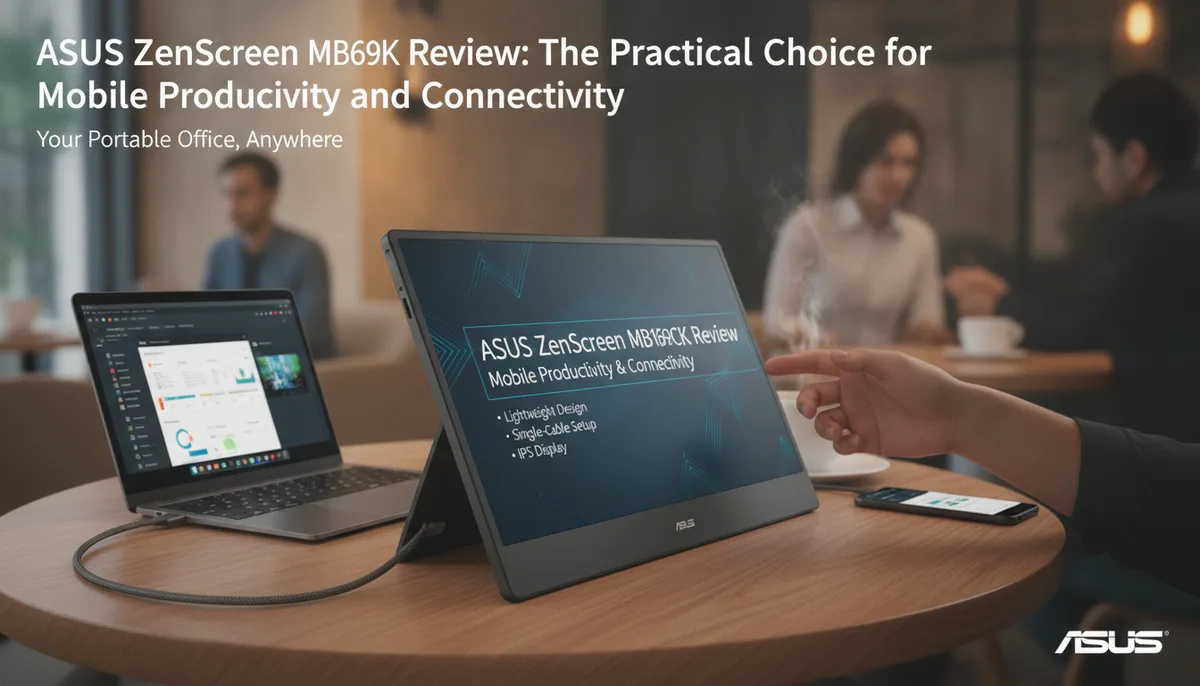
ASUS ZenScreen MB169CK Review: The Practical Choice for Mobile Productivity and Connectivity
In the era of the "anywhere office," the demand for screen real estate has moved beyond the desk. Whether you are managing a home server, editing family photos on the go, or simply trying to stay productive in a coffee shop, a single laptop screen often feels claustrophobic. The ASUS ZenScreen MB169CK enters this space not as a high-end gaming display, but as a refined, mainstream solution designed for flexibility and ease of use.
While many portable monitors rely on finicky folding covers to stay upright, the MB169CK introduces a more mechanical, reliable approach to ergonomics. In this review, we look at how this 15.6-inch IPS display balances portabilty with a robust feature set that caters to the modern digital nomad.
Redefining the Portable Monitor Stand: The 360-Degree Kickstand
One of the most significant departures from previous ZenScreen models, such as the MB16ACE, is the physical design of the stand. For years, portable monitors have utilized "smart covers"—magnetic folders that fold into a triangular base. While lightweight, these covers often lack stability and offer limited viewing angles.
The ASUS ZenScreen MB169CK replaces this with a detachable 360-degree kickstand. This stand is a game-changer for several reasons:
- Tool-less Installation: The stand snaps onto the back of the monitor effortlessly. You don't need a screwdriver or specialized hardware to set it up.
- Granular Adjustability: Unlike folding covers that usually offer only one or two viewing angles, the 360-degree kickstand allows you to tilt the monitor to the exact degree that suits your eye level and lighting conditions.
- Portrait and Landscape Modes: The flexibility of the stand makes it easy to pivot the monitor, which is essential for developers or writers who prefer a vertical orientation for coding or long-form document editing.
Despite the addition of a physical stand, the monitor remains remarkably slim. Without the stand, the dimensions sit at 14.17 x 8.90 x 0.47 inches, weighing in at a mere 1.72 lbs. It fits comfortably into most 15-inch laptop bags, especially with the included protective sleeve.
Connectivity That Scales With Your Devices
The "mainstream" tag often implies a lack of ports, but the MB169CK is surprisingly generous. Many budget portable monitors limit the user to a single USB-C port, forcing a choice between power and data if your host device doesn't support robust power delivery.
The MB169CK features dual USB Type-C ports with DisplayPort Alt Mode support. This dual-port setup allows for greater flexibility in how you cable your mobile workstation. You can drive the display with a single cable from a compatible laptop, or use the second port to ensure the monitor has dedicated power if your phone or tablet is the primary source.
Beyond USB-C, ASUS has included a mini HDMI input. This is a critical addition for users who need to connect to older laptops, gaming consoles, or even specialized hardware like a Raspberry Pi or a home server head. While the monitor is a perfect companion for a modern MacBook, the inclusion of mini HDMI ensures it isn't "locked" into the USB-C ecosystem.
For those managing complex home setups, having an extra portable screen is invaluable. If you are following The Family Cloud Master Buying Guide: Secure Your Memories with a Private Home AI Server, a portable monitor like the MB169CK serves as an excellent temporary "crash cart" monitor for configuring your server without needing to lug a full-sized desktop display into your utility closet.
Visual Performance: IPS Clarity for Daily Tasks
The heart of the MB169CK is a 15.6-inch IPS panel with a Full HD (1920x1080) resolution. While the market is seeing an influx of 2.5K and 4K portable displays, 1080p remains the "sweet spot" for a 15.6-inch screen. At this size, 1080p provides a crisp image without requiring the aggressive Windows scaling that can sometimes blur text on higher-resolution small screens.
Color and Viewing Angles
Because it uses an IPS (In-Plane Switching) panel, the MB169CK offers 178-degree viewing angles. This is vital for a portable monitor, as you aren't always sitting in a perfectly ergonomic chair at a standard desk. Whether the monitor is off to the side of your laptop or being shared with a colleague sitting next to you, the colors remain consistent without the "washout" effect typical of cheaper TN panels.
Brightness and Contrast
The display offers a typical brightness of 250 cd/m2 and an 800:1 contrast ratio. In a standard office or indoor environment, 250 nits is more than sufficient. However, like most portable monitors in this class, it may struggle against direct sunlight if you are working outdoors. For indoor professional use, the matte finish does an excellent job of diffusing reflections from overhead lights.
Audio and Controls: A Focused Approach
It is important to note that the ASUS ZenScreen MB169CK does not have built-in speakers. ASUS has opted to keep the profile slim and the weight down by omitting internal audio drivers. Instead, they have provided a 3.5mm audio jack.
This functions as an audio passthrough. If you are sending a signal via HDMI or USB-C, you can plug your headphones directly into the monitor. This is particularly useful for keeping your desk cable-managed or when using the monitor with a device where the headphone jack is difficult to reach.
The controls are straightforward, split between a dedicated power button and an adjustment button for the On-Screen Display (OSD). The OSD allows you to toggle through ASUS’s "Splendid" video preset modes, adjust blue light filters (essential for late-night work sessions), and manage brightness/contrast.
Portability and the "Family Cloud" Ecosystem
For users of The Family Cloud, the MB169CK represents a tool for digital sovereignty. If you are moving away from big-tech cloud storage and toward private solutions, your workflow often becomes more modular.
A portable monitor allows you to maintain a high-productivity environment even when you aren't at your primary workstation. If you find that a single 15.6-inch expansion isn't enough for your data-heavy tasks, you might consider more expansive solutions. For instance, we recently explored the KYY X90G Quad Review: Transforming Your Laptop into a Four-Screen Powerhouse, which takes the concept of portable screens to an extreme for power users. However, for most users, the single-screen simplicity of the ASUS MB169CK is the more balanced choice for weight and setup speed.
The inclusion of a high-quality sleeve and the necessary cables (USB-C and mini HDMI to HDMI) in the box means you are ready to go from day one. You don't have to hunt for compatible cables, which can be a frustration with USB-C devices that require specific data-rate capacities.
Final Verdict: Is the MB169CK Right for You?
The ASUS ZenScreen MB169CK doesn't try to be a gaming monitor or a high-end color-grading suite. Instead, it succeeds by being a highly functional, well-built extension of your current devices.
Pros:
- Superior Stand Design: The 360-degree kickstand is far more stable and adjustable than magnetic covers.
- Flexible Inputs: Dual USB-C and Mini-HDMI cover almost every modern connectivity scenario.
- IPS Quality: Great viewing angles and color consistency for productivity.
- Lightweight: At 1.72 lbs, it adds negligible weight to a backpack.
Cons:
- No Internal Speakers: You will need to rely on your laptop or the 3.5mm jack.
- Standard Refresh Rate: 60Hz is perfect for office work but may not satisfy competitive gamers.
If you are looking for a reliable, mainstream portable monitor that focuses on physical ergonomics and input flexibility, the MB169CK is a standout choice. It simplifies the mobile workstation without sacrificing the port variety that professionals actually need. Whether you are monitoring your private home AI server or just need a second screen for Excel on a flight, this ZenScreen delivers a polished, no-nonsense experience.