
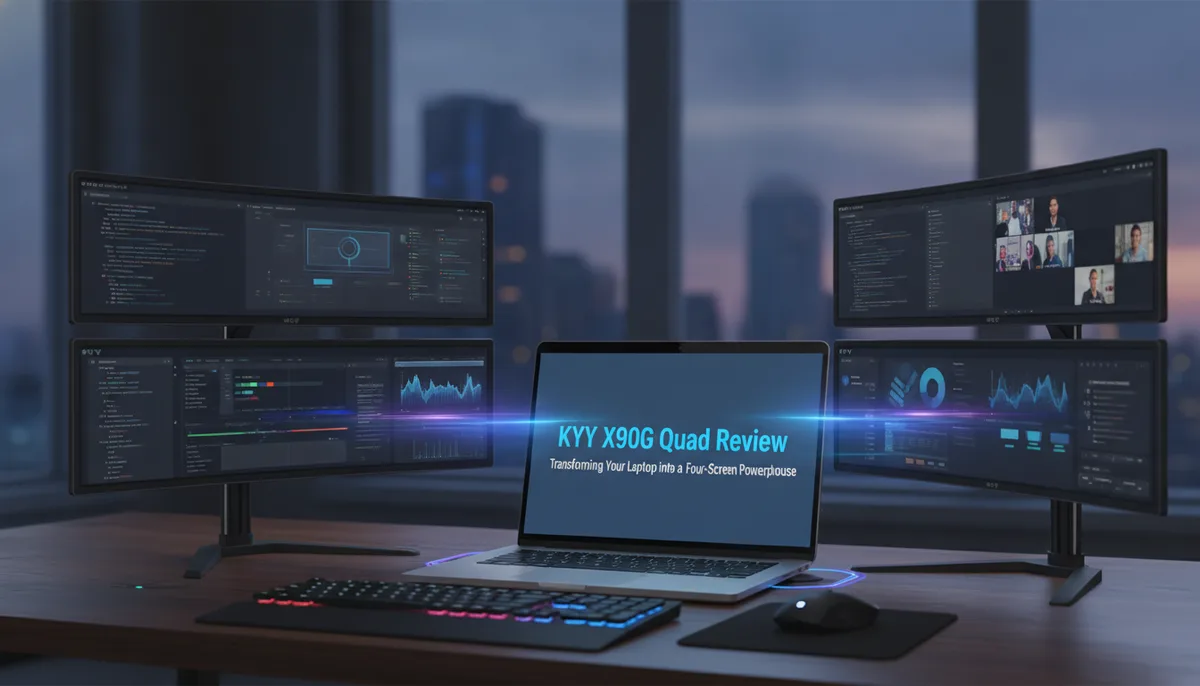
KYY X90G Quad Review: Transforming Your Laptop into a Four-Screen Powerhouse
Redefining the Mobile Workstation: The KYY X90G "Quad"
For the modern professional, the transition from a multi-monitor office setup to a cramped laptop screen while traveling is often the biggest hurdle to productivity. We have explored various solutions in the past, such as the , which offers a slim, single-screen expansion. However, the KYY X90G "Quad" represents a paradigm shift in the "portable" category.
The "Quad" label is a bit of a misnomer that requires clarification: the device itself houses three 15.6-inch displays. When paired with your laptop's existing screen, you are presented with a total of four displays. This is a massive amount of digital real estate that, until recently, was reserved for stationary desktop workstations. For those managing complex workflows—such as organizing a decade of digital legacy data or managing a Best Home Servers for Storing 10 Years of Family Photos (and Keeping Them Private)—having this many windows open simultaneously can be a game-changer.
Build Quality and Portability: A Heavy-Duty Contender
When you first unbox the KYY X90G, the immediate impression is one of density. Unlike many plastic-heavy portable monitors, this unit features a heavy-duty frame designed to support the weight and torque of three articulating screens.
Weight Considerations
At 1.6kg (approximately 3.5lbs), the X90G is not a lightweight accessory. To put this into perspective, it weighs about as much as a 14-inch Apple MacBook Pro or a robust Windows ultrabook. When we paired it with a Dell XPS 14, the combined weight was significant enough to move the setup from "briefcase friendly" to "carry-on essential."
Protection and Design
One of the more thoughtful aspects of the design is how it folds. In its collapsed state, the display surfaces are tucked inward, facing each other. This creates a natural protective shell, shielding the sensitive IPS panels from scratches or impacts during transit. While it lacks the extreme slimness of a single-panel monitor, this bulk is a necessary trade-off for the structural integrity required to hold three 15.6-inch screens in a stable "surround" configuration.
The Setup Experience: Stability is Key
Setting up the KYY X90G is a more involved process than simply plugging in a USB-C cable. Because the assembly is so large, KYY has integrated a heavy-duty kickstand and a handle to help manage the geometry of the screens.
Avoiding the Tip
A critical piece of practical advice for users: be mindful of the center of gravity. Because the side monitors extend quite far from the central axis, they can tip the entire assembly if not balanced correctly. The built-in kickstand is mandatory, not optional. Once deployed, however, the setup is surprisingly sturdy. It transforms a standard coffee shop table or hotel desk into a command center.
Alternative Orientations
While the standard use case is to surround your laptop screen, the hinges allow for creative positioning. If you are conducting a "coffee shop pitch" or a small group presentation, you can angle the screens so that they face different directions, allowing others to see your content while you maintain your private view.
Connectivity and the Power Hurdle
One of the most common questions regarding portable monitors is: "Can I run this with one cable?" For the KYY X90G, the answer is generally "No."
Power Requirements
Each of the three 15.6-inch 1080p IPS panels requires power. While a high-wattage Thunderbolt port on a premium laptop might attempt to drive the unit, we found that a single-cable connection often resulted in flickering or failure to recognize all screens. KYY includes a dedicated power adapter and a specific power cord for a reason. To ensure a stable experience, you should plan on using the included wall plug.
The Port Layout
The central section of the monitor houses the primary connectivity hub:
- Multi-function Type-C Port: Handles the data and video signal.
- Dedicated Power Port: Ensures the three panels have enough juice to maintain brightness and stability.
For those looking to integrate this into a larger home ecosystem, such as a setup described in The Family Cloud Master Buying Guide: Secure Your Memories with a Private Home AI Server, the KYY X90G serves as an excellent temporary interface for server maintenance or data sorting that requires high visibility across multiple applications.
Display Performance and Individual Controls
The KYY X90G utilizes three 15.6-inch 1920x1080 60Hz IPS displays. While these aren't high-refresh-rate gaming panels or 4K color-grading screens, they are perfectly suited for productivity, document editing, and web browsing.
Independent OSD Management
A unique—and perhaps polarizing—feature of the X90G is that each monitor operates as a distinct entity. Each screen has its own set of control buttons and its own On-Screen Display (OSD).
- The Benefit: You have granular control. If you want your left screen at 50% brightness for reference text and your right screen at 100% for video monitoring, you can do that.
- The Drawback: There is no "central command" for the monitors. If you want to dim the entire setup for a dark room, you will find yourself clicking through three different sets of buttons.
The buttons are located on the sides of the panels, and their placement varies slightly depending on which monitor you are adjusting. It takes a moment to build the muscle memory for which button controls which screen.
Software and Compatibility: The Silicon Motion Factor
For Windows users, the experience is relatively plug-and-play, assuming your hardware supports DisplayLink or similar multi-stream technologies. However, for MacBook users, the experience is a bit more nuanced.
The monitor comes with a USB drive containing Silicon Motion utilities. Because macOS handles external displays differently than Windows (often limiting the number of external screens over a single port), this software is essential for "tricking" the OS into recognizing and extending to all three panels.
While some users find installing third-party drivers frustrating, it is a necessary compromise to achieve a four-screen setup on a device as compact as a laptop. Once the drivers are installed, the functionality is seamless, allowing for a massive desktop environment that spans the entire field of vision.
Who is the KYY X90G For?
This is not a casual accessory for someone who occasionally checks email at a cafe. The KYY X90G is a specialized tool for:
- The True Road Warrior: Professionals who spend weeks away from their home office but cannot afford the productivity drop of a single screen.
- Data-Intensive Workers: If your job involves cross-referencing multiple spreadsheets, coding while monitoring logs, or managing a complex Family Cloud infrastructure, the extra screens are invaluable.
- Presenters: The ability to fold the screens into a "tent" or outward-facing configuration makes it a unique tool for face-to-face meetings.
At a standard price of $479, it is an investment. However, compared to the cost and clutter of trying to mount three individual portable monitors to a single laptop, the KYY X90G offers a much cleaner, more integrated solution. It is a niche product, but for those who fit the niche, it provides a level of mobile utility that is currently unmatched in the market.