
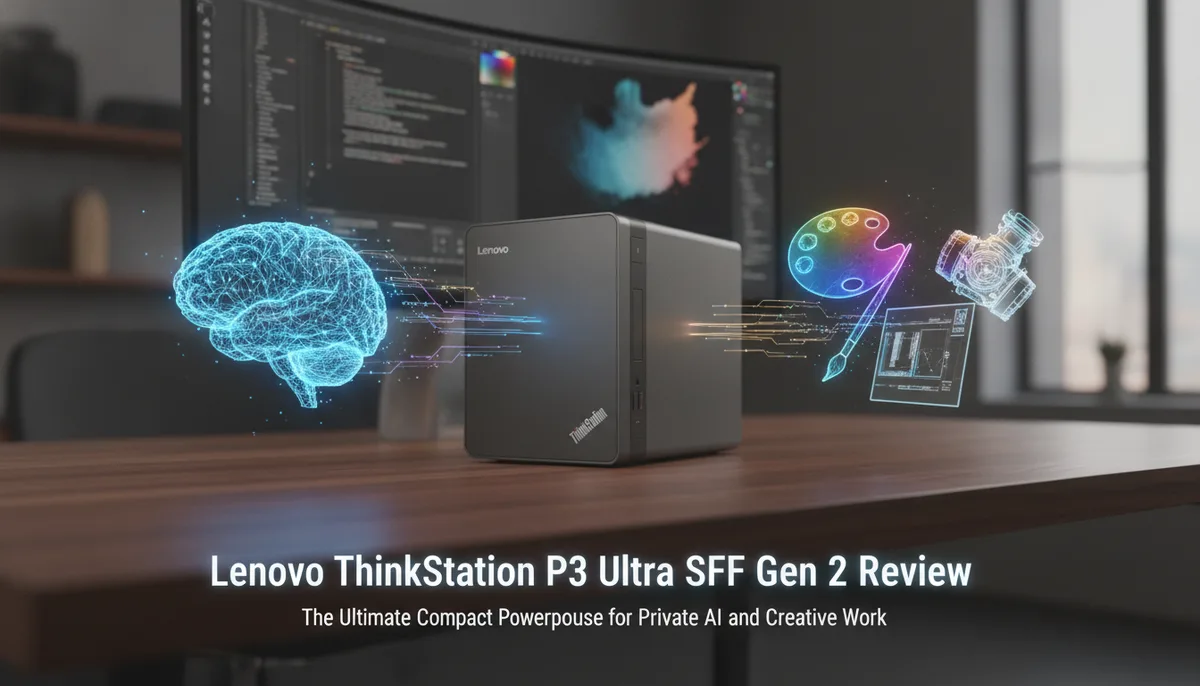
Lenovo ThinkStation P3 Ultra SFF Gen 2 Review: The Ultimate Compact Powerhouse for Private AI and Creative Work
Redefining the Small Form Factor Workstation
For years, the professional workstation market was divided into two camps: the massive, expandable towers and the ultra-compact, but limited, 1-liter "Tiny" PCs. While 1L machines are excellent for office productivity, they often fall short when tasked with heavy lifting, such as local AI processing, high-end video editing, or serving as a robust data hub.
The Lenovo ThinkStation P3 Ultra SFF Gen 2 enters the arena to bridge this gap. As a "Small Form Factor" (SFF) machine that is slightly larger than its predecessors, it seeks to strike a fine balance between size and expandability. By moving to a 3.9-liter chassis, Lenovo has unlocked a level of modularity that was previously impossible in a machine of this footprint.
For enthusiasts building a The Family Cloud Master Buying Guide: Secure Your Memories with a Private Home AI Server, the P3 Ultra Gen 2 represents a "Goldilocks" solution—compact enough to hide on a shelf, yet powerful enough to manage a decade’s worth of family data with ease.
The Chassis: Why 3.9 Liters is the New Sweet Spot
The "Ultra" designation in the P3 lineup isn't just marketing fluff; it refers to the specific engineering required to fit workstation-grade components into a chassis that is still significantly smaller than a traditional SFF desktop.
Thermal Management and Airflow
One of the primary challenges with compact workstations is heat. In the P3 Ultra Gen 2, Lenovo has utilized a dual-fan cooling system that separates the CPU and GPU thermal zones. This prevents the heat from the processor from soaking into the graphics card, a common issue in smaller 1L designs. The result is a machine that can maintain high boost clocks during intensive tasks like 4K video rendering or AI model training without sounding like a jet engine.
Tool-Less Accessibility
Despite its density, the P3 Ultra Gen 2 maintains Lenovo’s commitment to serviceability. The internal tray slides out of the outer shell, providing immediate access to the RAM slots, M.2 storage, and the PCIe riser. For home users who plan to upgrade their hardware over the next five to ten years, this ease of access is a critical value proposition.
The PCIe Advantage: Expandability Without the Bulk
The defining feature of the P3 Ultra Gen 2 is its PCIe expandability. Most mini-PCs rely on external enclosures for any significant expansion, which defeats the purpose of a compact setup. The P3 Ultra Gen 2, however, features a unique internal layout that supports:
- Dedicated Graphics: It can house low-profile NVIDIA RTX workstation GPUs, such as the RTX A2000 or the newer Ada Generation equivalents.
- Secondary Expansion: Beyond the GPU, there is often room for an additional PCIe slot (depending on the riser configuration). This allows users to add a 10GbE network card or a high-speed storage controller.
This level of internal expansion makes the P3 Ultra Gen 2 one of the Best Home Servers for Storing 10 Years of Family Photos (and Keeping Them Private). While other mini-PCs might struggle with the networking overhead of moving terabytes of photos, the P3 Ultra can be outfitted with the exact hardware needed to handle high-bandwidth data transfers.
Hardware Specs: Intel and NVIDIA Synergy
Under the hood, the Gen 2 model leverages the latest advancements in Intel’s silicon architecture. By utilizing modern Intel Core processors, the P3 Ultra Gen 2 offers a high core count that is essential for virtualization and containerized applications (like Docker or Proxmox).
Compute Power for Private AI
Local AI is becoming a cornerstone of the modern "Family Cloud." Whether it is using facial recognition to organize family photos or running a local Large Language Model (LLM) for private assistance, AI requires GPU compute. The P3 Ultra Gen 2’s ability to house an NVIDIA RTX GPU with dedicated VRAM ensures that these AI tasks stay on your local network, rather than being shipped off to a corporate cloud.
Memory and Storage
The P3 Ultra Gen 2 typically features four SODIMM slots, allowing for up to 128GB of RAM. This is a massive advantage over standard mini-PCs that usually top out at 64GB. When running multiple services—such as a media server, a file backup system, and an AI indexing tool—having that extra RAM headroom is the difference between a snappy experience and a sluggish one.
Networking and Connectivity: A Pro-Grade Hub
A workstation is only as good as its ability to communicate with the rest of your infrastructure. Lenovo has outfitted the P3 Ultra Gen 2 with an impressive array of I/O:
- Dual Ethernet: Many configurations include both a 1GbE and a 2.5GbE (or even 5GbE/10GbE) port. This is perfect for "homelab" enthusiasts who want to segregate their management traffic from their data traffic.
- Thunderbolt 4: For those who need even more expansion, the Thunderbolt 4 ports allow for high-speed external DAS (Direct Attached Storage) arrays.
- Multiple Display Outputs: Supporting up to eight independent displays (with the right GPU and internal graphics combination), it serves as a powerful command center for creative professionals.
The shift toward faster data standards is a trend we see across the industry. While the P3 Ultra Gen 2 utilizes current-gen PCIe speeds, the industry is already looking toward the future. For a deeper look at how storage is evolving, see our analysis on Micron 9650: How PCIe Gen6 SSDs are Redefining the Speed of AI and Private Data.
Use Case: The Ultimate Family Cloud Server
Why would a family choose a ThinkStation P3 Ultra over a standard NAS (Network Attached Storage)? The answer lies in versatility.
A standard NAS is great at storing files, but it often lacks the "oomph" to perform complex tasks. The P3 Ultra Gen 2 can act as your storage controller while simultaneously:
- Transcoding 4K video streams for every device in the house.
- Running a private instance of Nextcloud for document collaboration.
- Hosting a local AI that scans your family videos to find specific memories without compromising your privacy.
Because it is built to workstation standards, the P3 Ultra is designed for 24/7 operation. The components are rated for higher reliability than those found in consumer-grade "gaming" mini-PCs, ensuring that your family’s digital legacy is running on a stable foundation.
Conclusion: A Bit Bigger, A Lot Better
The Lenovo ThinkStation P3 Ultra SFF Gen 2 proves that you don't need a massive tower to get massive performance. By increasing the volume slightly over the traditional 1L mini-PC, Lenovo has created a machine that is vastly more capable.
It is "a bit bigger" in physical size, but "a bit better" in every metric that matters to power users: thermals, expandability, and raw compute power. Whether you are a professional needing a compact workstation for CAD and rendering, or a tech-savvy head of household building a private AI-powered cloud, the P3 Ultra Gen 2 is a formidable contender that justifies its place on your desk—or in your server closet.